
PagerDuty
Create integration
Section titled “Create integration”To push anomalies into PagerDuty please complete the following steps to connect Masthead to PagerDuty service:
-
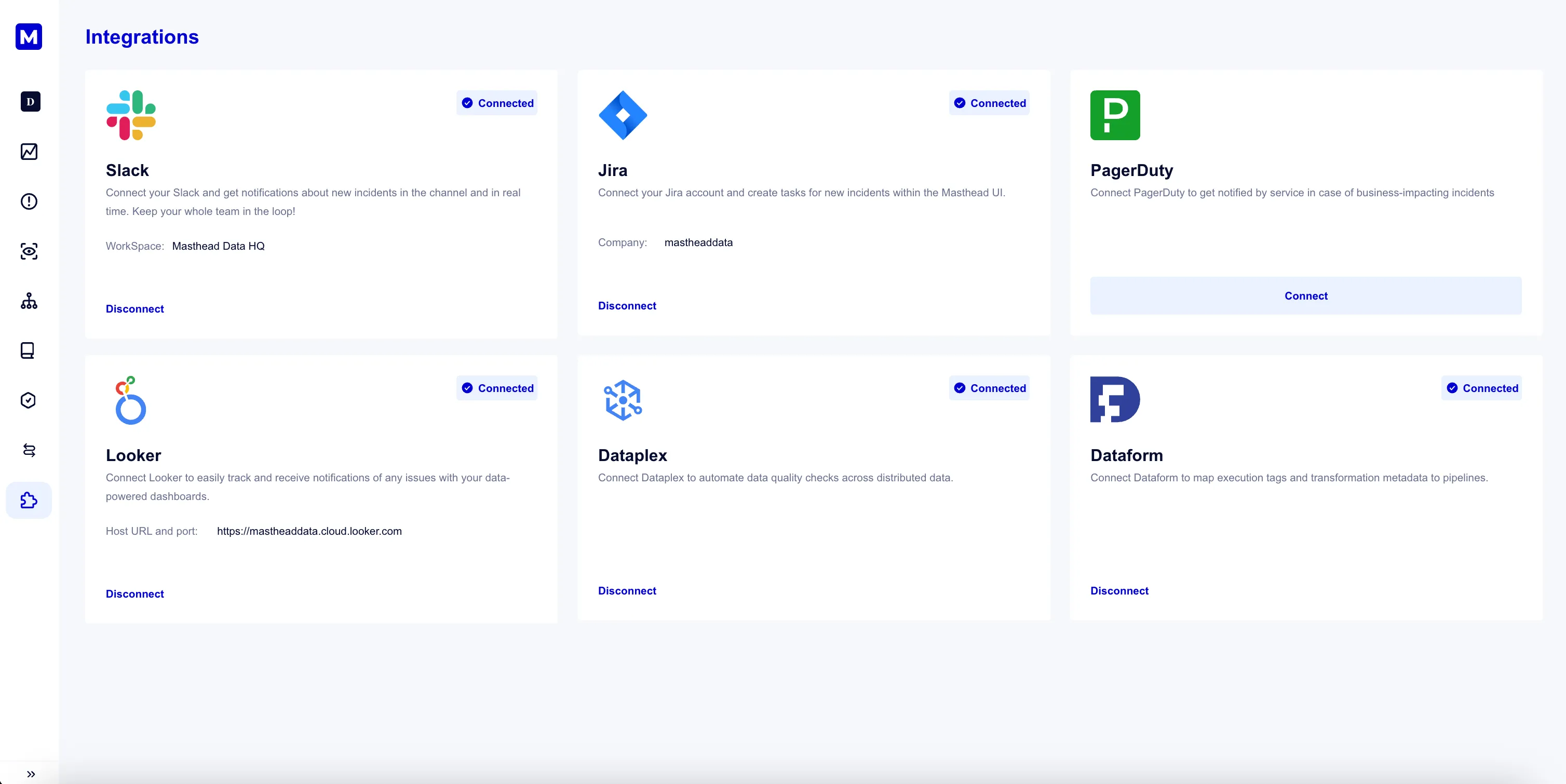
From the navigation menu click Integrations.
-
In the PagerDuty integration widget, click Connect. This redirects you to your PagerDuty account.
- Sign in to your PagerDuty app. Choose the services from the dropdown list that you want to connect with Masthead.
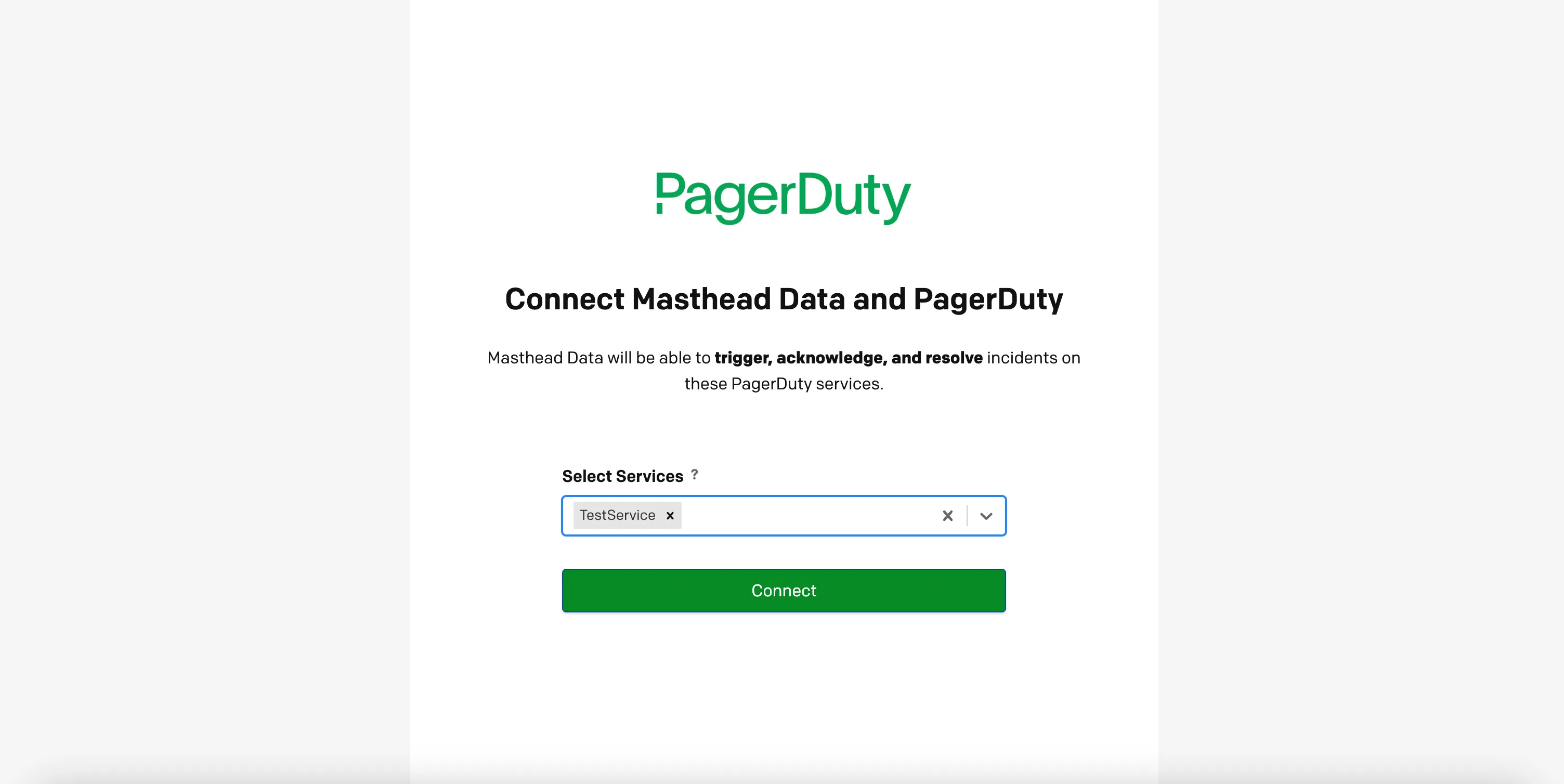
- Masthead connects to PagerDuty.
Severity mapping
Section titled “Severity mapping”| Masthead severity | PagerDuty severity |
|---|---|
| Critical | Critical |
| Priority | Error |
| Regular | Warning |
If you need help with this integration, please contact support