
Quickstart
Masthead offers several options to connect to your Google Cloud environment:
- OAuth - the quickest option, integrate in a few clicks
- Terraform - use infrastructure as a code approach
OAuth installation
Section titled “OAuth installation”OAuth installation takes about 2 minutes.
Fill the form, agree with Privacy Policy and click Sign up with Google
Provide access to Google Cloud
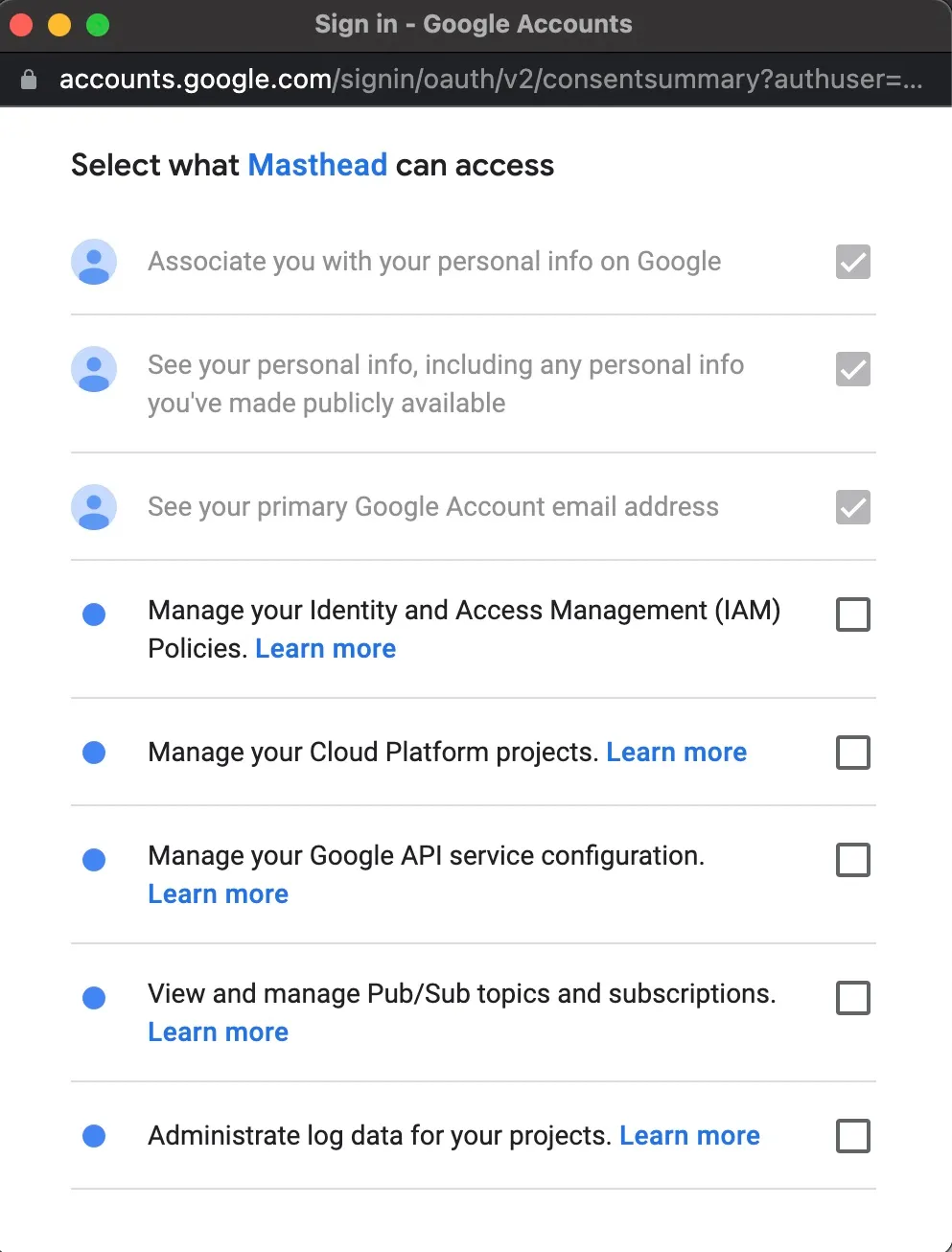
Section titled “Provide access to Google Cloud”Select checkboxes to allow Masthead to create the required resources during installation. See what Masthead creates during deployment.
Connect your Google Cloud project
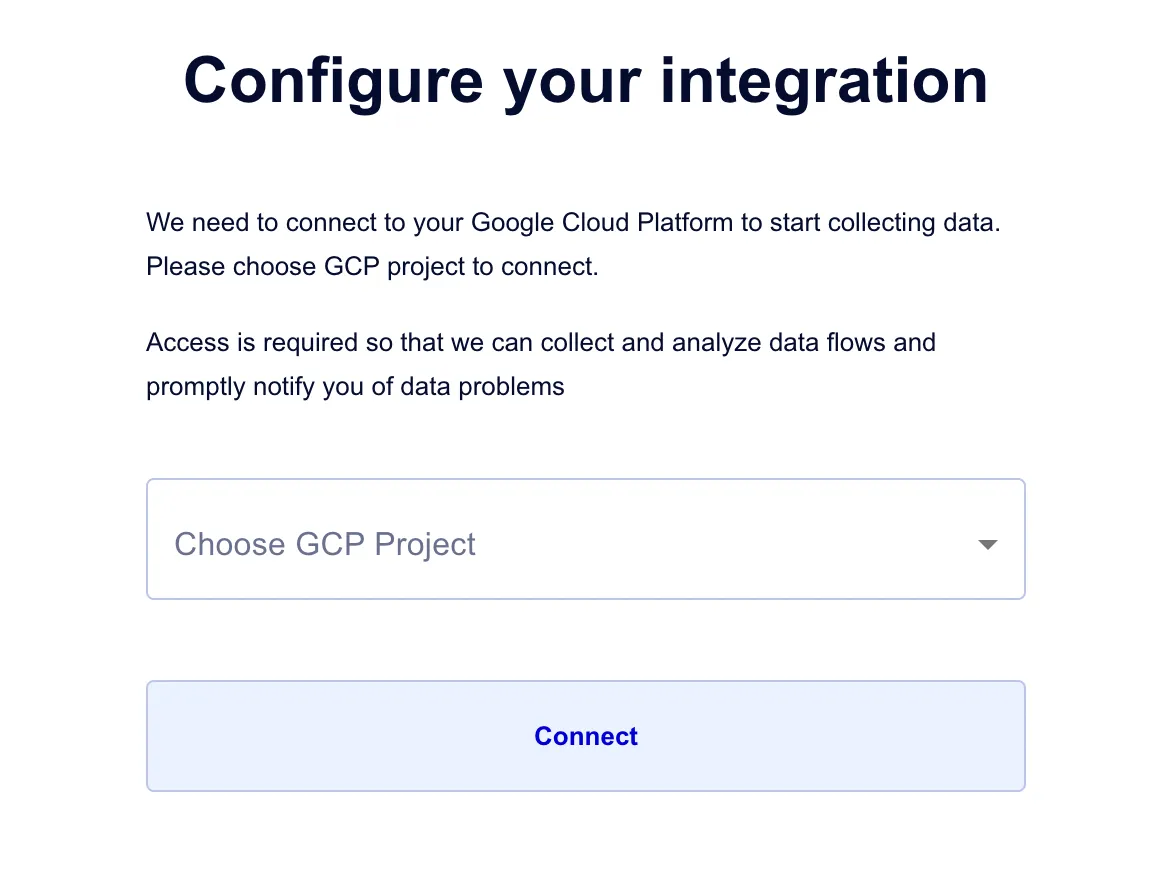
Section titled “Connect your Google Cloud project”Select the Google Cloud project that contains the BigQuery resources and pipelines you want Masthead to monitor. Press Connect.
Configuration completed
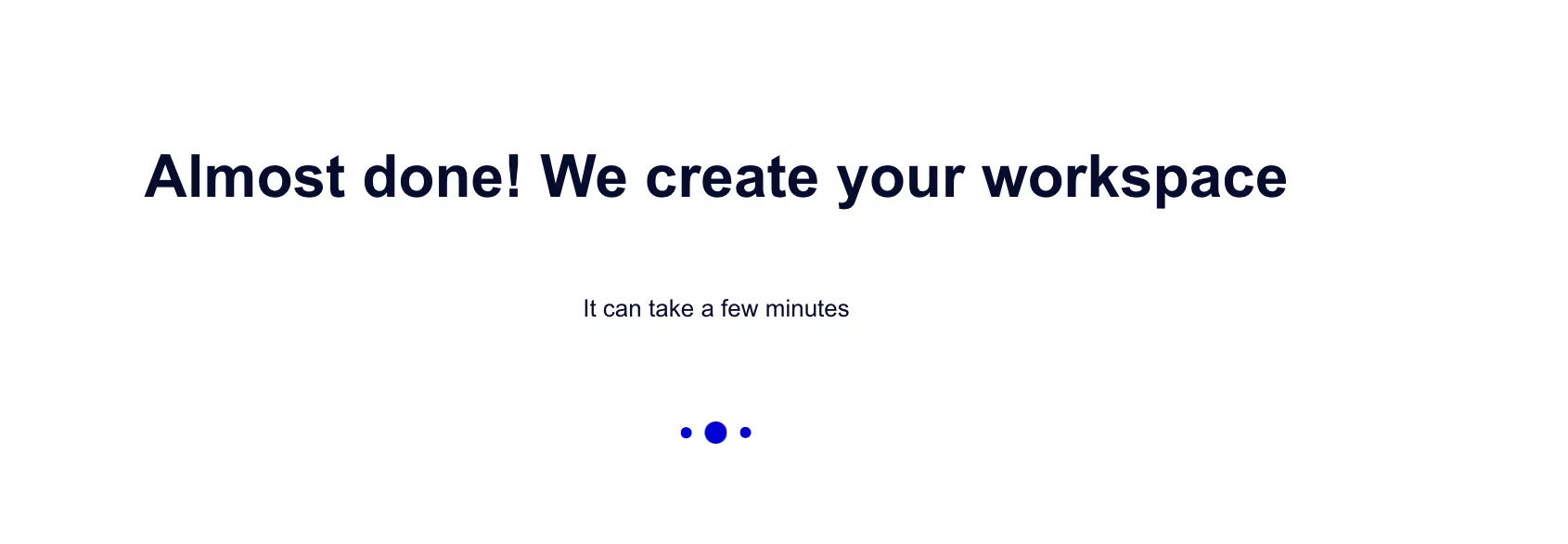
Section titled “Configuration completed”Masthead installation creates your workspace and opens your dashboard once setup is complete.
Workspace is ready
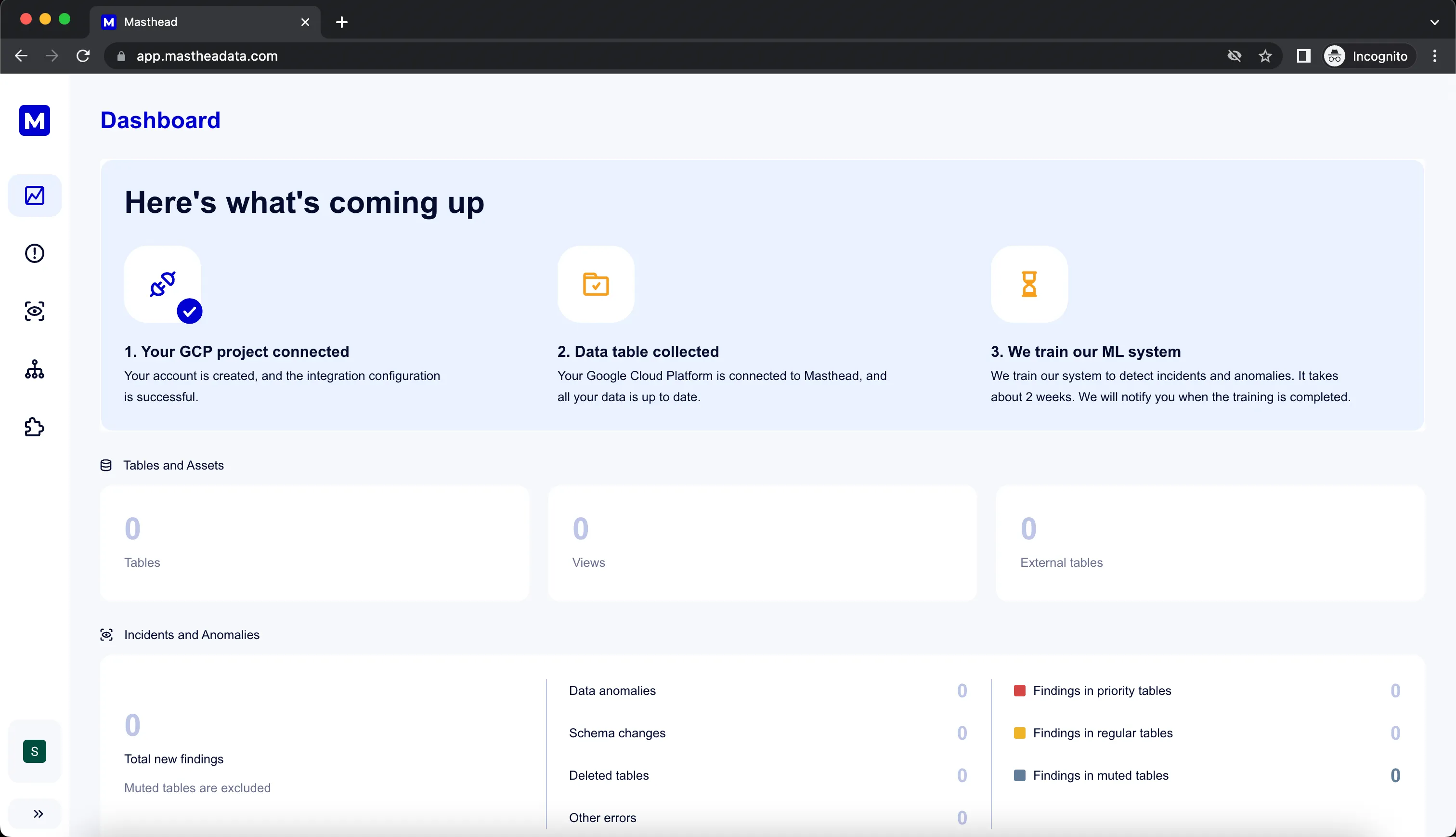
Section titled “Workspace is ready”You’ll receive an email notification with the link to the workspace.
Masthead sends a notification once metadata collection is complete and insights are ready.
All done. Thank you for completing installation.
Google Cloud resources created by OAuth installation
Pub/Sub
Section titled “Pub/Sub”- Topic:
masthead-topic - Subscription:
masthead-agent-subscription
Logging
Section titled “Logging”- Log Sink:
masthead-agent-sink- Destination: Pub/Sub topic
masthead-topic - Filter: BigQuery audit logs:
AppendRowsInsertJobInsertTableQuery
- Destination: Pub/Sub topic
- Project IAM roles granted
- to Google Cloud Logging service agent:
- to Masthead service account: