
Data Dictionary
What’s a data dictionary?
Section titled “What’s a data dictionary?”The Data Dictionary in Masthead is a comprehensive list of all assets within the connected Google BigQuery and Looker environments. It’s a handy collection of metadata, enabling users to easily search for datasets, tables, columns, Looker dashboards, or looks.
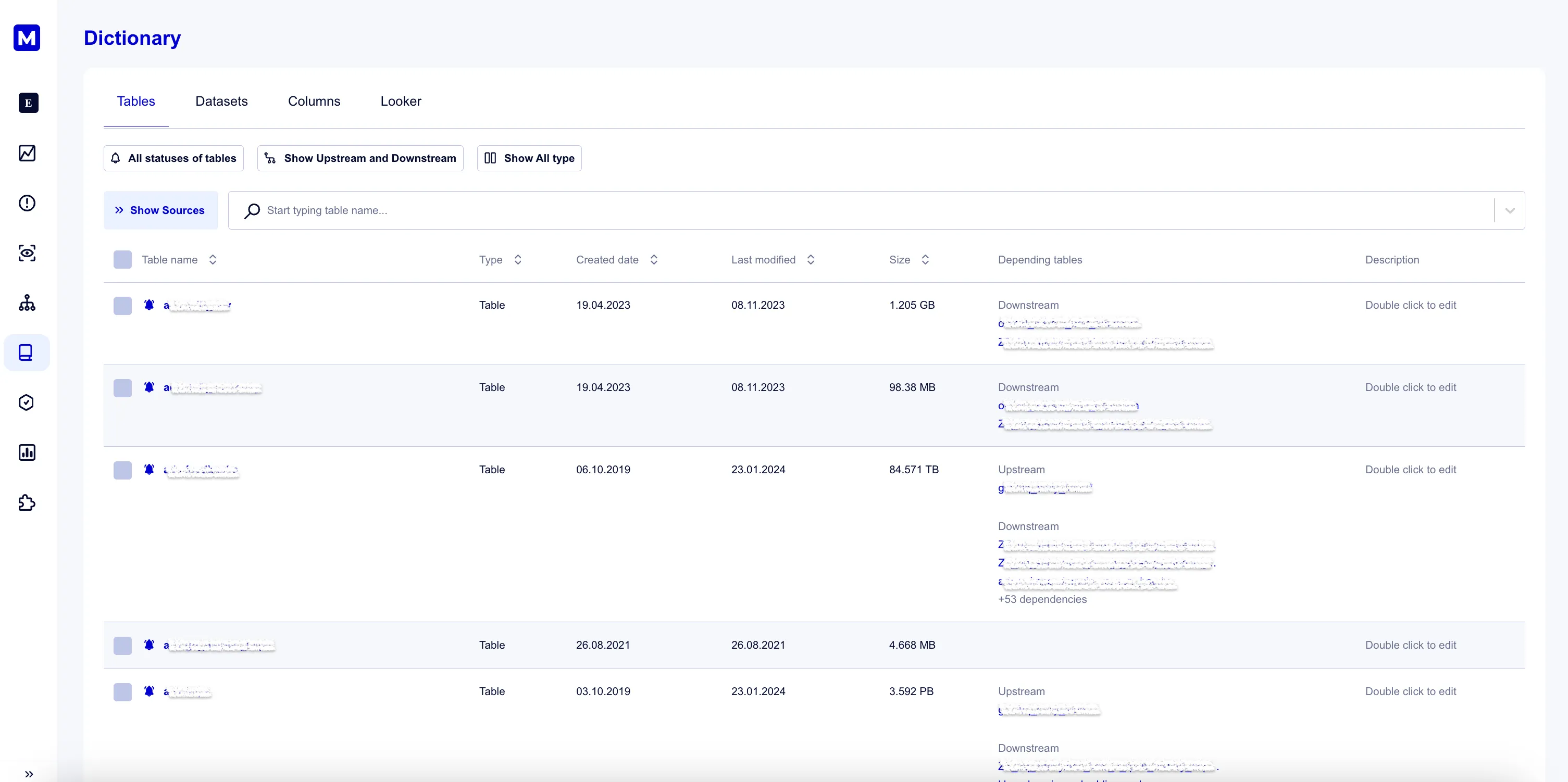
For BigQuery tables, the dictionary provides essential information like the creation date, last update, size, and first-level upstream and downstream dependencies. It also includes any available descriptions from BigQuery.
Upon deployment, you’ll see a list of tables, views, and external tables in the connected Google Cloud projects.
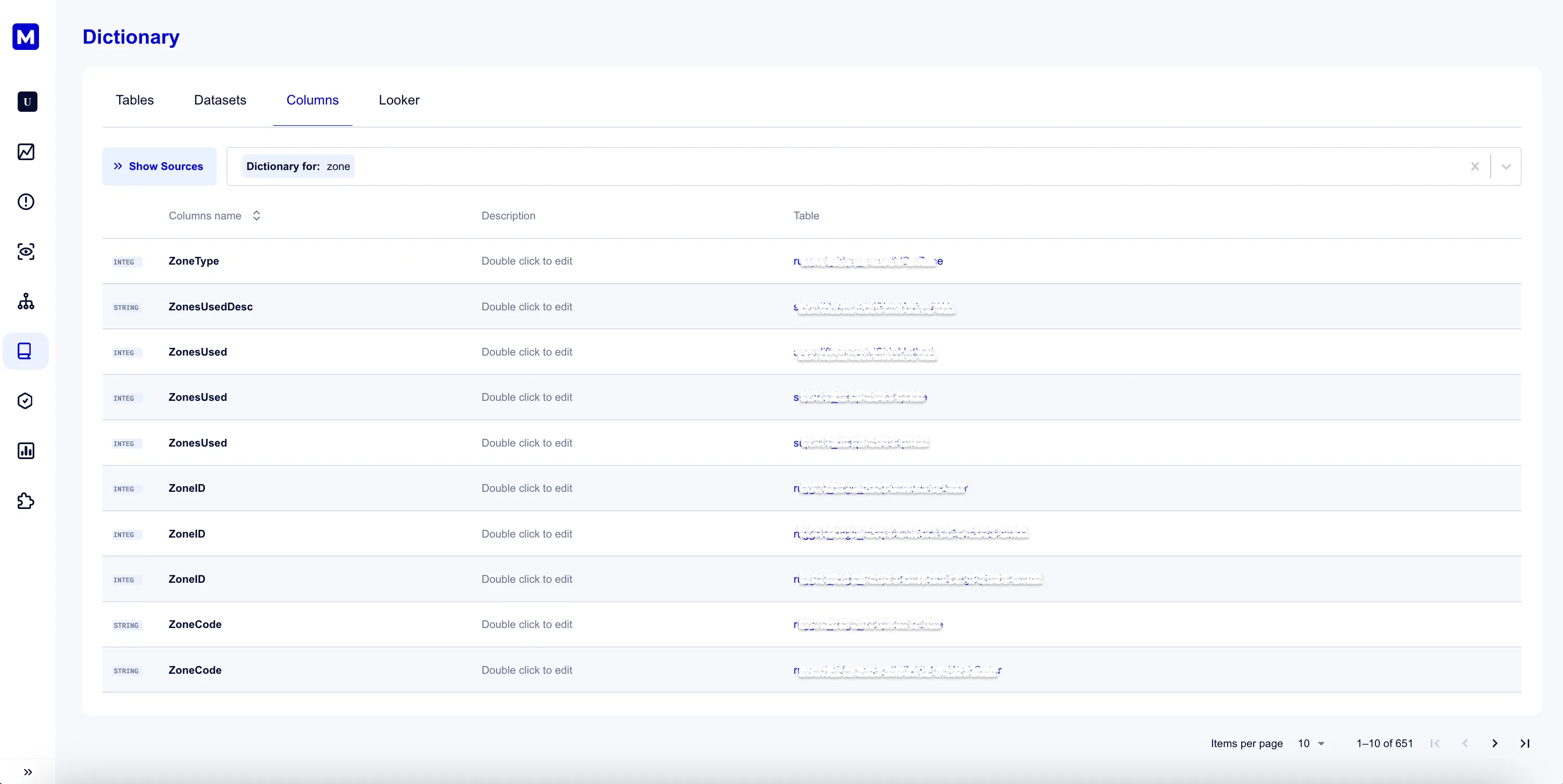
For columns, the dictionary allows users to search any term across the entire warehouse agnostically, providing details about the column type, its location, and description.
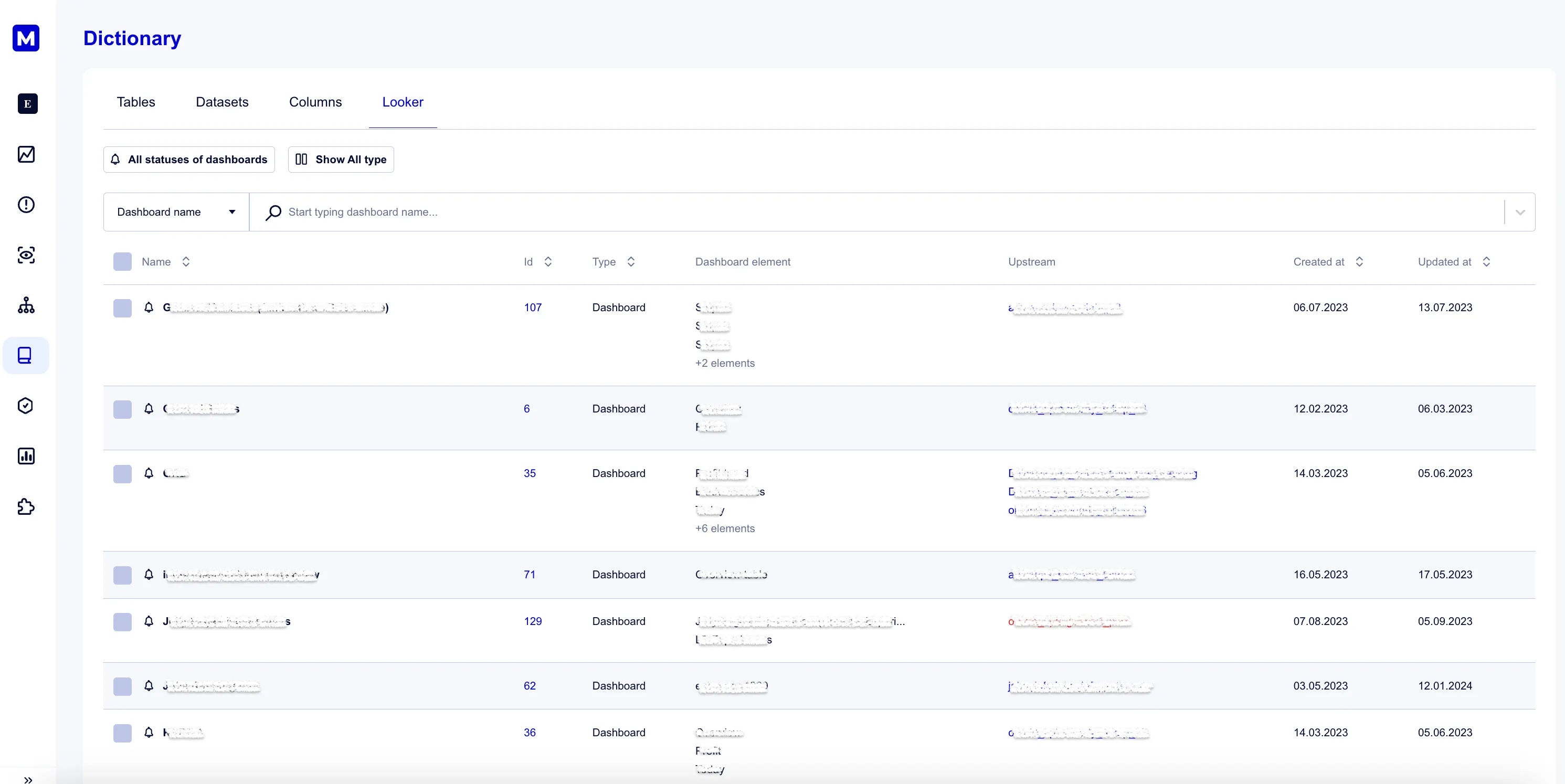
For BI assets, the dictionary offers visibility into all existing dashboards and reports. It includes their IDs with direct links to Looker, dashboard elements, upstream dependencies in Google BigQuery, and information on the dashboard’s creation and last update dates.
The Data Dictionary offers centralized access to metadata, significantly simplifying data exploration and analysis, thereby boosting efficiency when using Google BigQuery and Looker. It benefits both data and business teams by providing an intuitive UI to easily understand, locate, and interact with available data assets, data products, and its dependencies within the data platform.
Asset priorities
Section titled “Asset priorities”Every BigQuery table and every BI asset (Looker dashboard, Looker look, Looker Studio report, Google Sheet) carries a monitoring priority tier. The tier controls how Masthead alerts on that asset:
- MUTED: Masthead still detects anomalies, but sends no alert.
- REGULAR: The default tier; anomalies alert as normal.
- PRIORITY: Masthead escalates alerting, and lists incidents on the asset first on the Incidents page.
- CRITICAL: The highest tier, for the assets that matter most to the tenant; Masthead escalates alerting and lists incidents on the asset first on the Incidents page, ahead of PRIORITY.
For a BI asset, the tier also reaches upstream: a dashboard or report’s priority feeds into pipeline anomaly alerting for the pipelines that write the tables it reads from, so raising a dashboard’s tier can raise the alert sensitivity of its upstream pipelines too.
Setting a tier
Section titled “Setting a tier”- For a table, use the row action in the Dictionary’s Tables tab.
- For a BI asset, use the BI Dashboards tab.
Automating tier reviews
Section titled “Automating tier reviews”The masthead-asset-prioritization agent skill reviews tables and BI assets against their Masthead asset scores and proposes tier changes—raising under-monitored assets that score highly, and lowering prioritized assets whose score no longer supports it—with a reason grounded in the score metrics for each suggestion, applying a change only after per-asset confirmation.